Excel template
$12
Buy and downloadInstant download. Opens in Excel, Google Sheets and Numbers.
Secure checkout by Gumroad. Not what you expected? See the refund policy.
Details
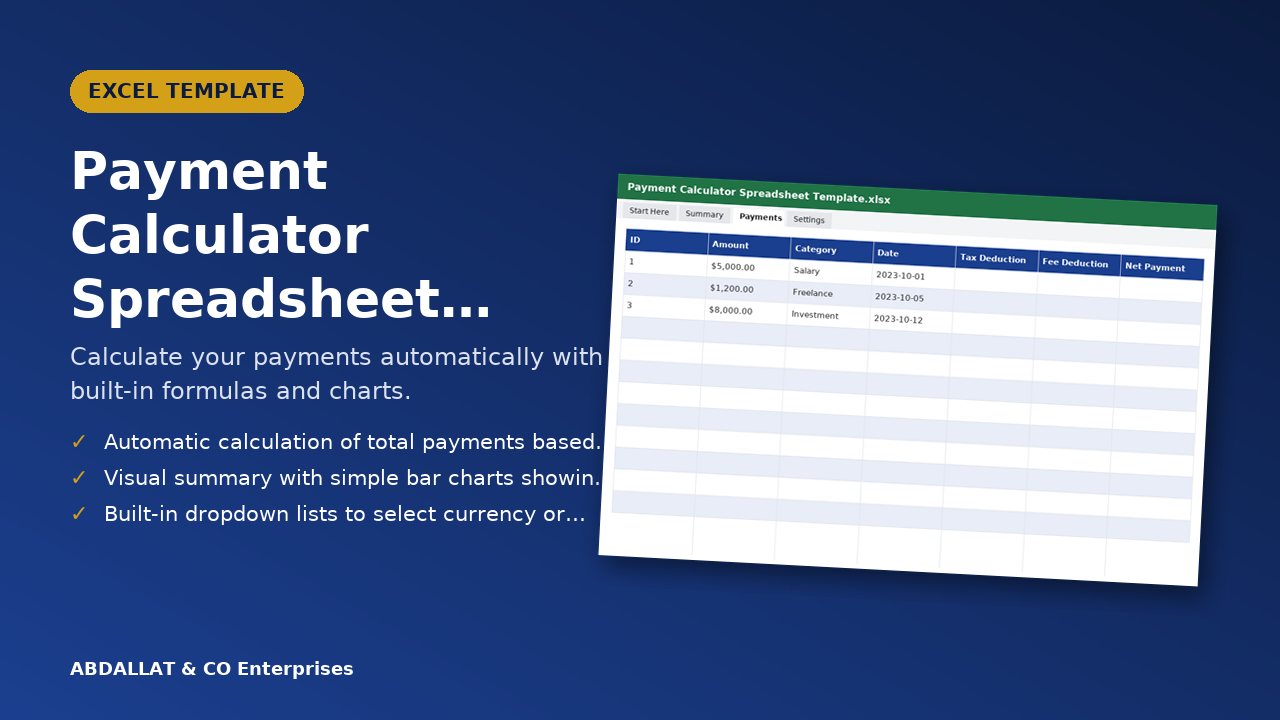
Calculate your payments automatically with built-in formulas and charts.
What you get
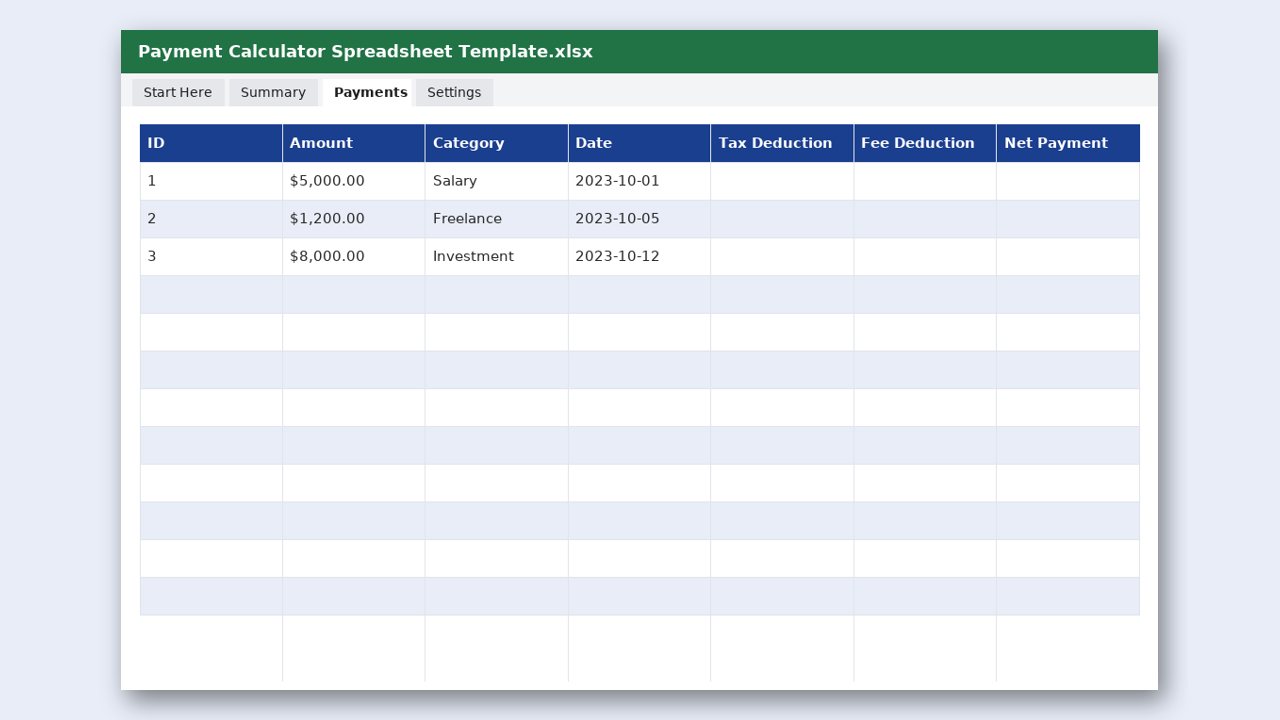
- Start Here sheet with instructions
- Main table with input cells and automatic formulas
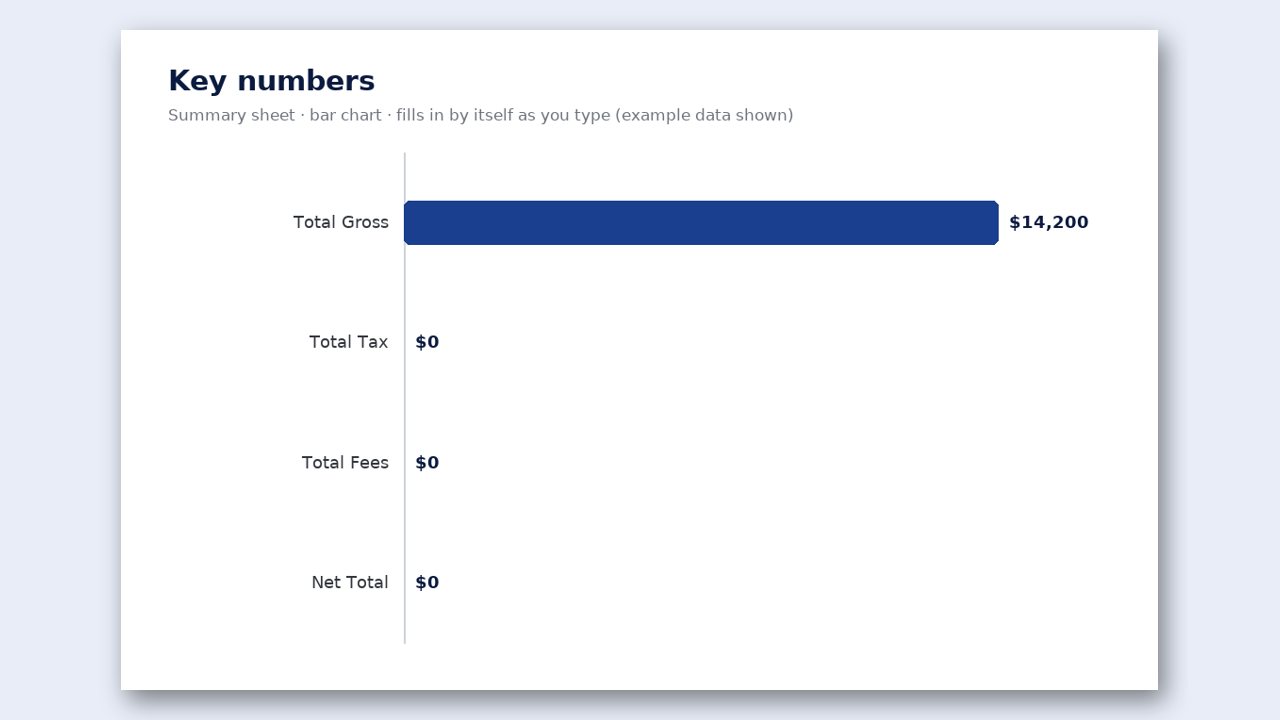
- Summary sheet with key numbers and bar charts
- Settings sheet for custom adjustments
- Bar chart: Net Payment by Category (updates as you type)
- Bar chart of the key money figures on the Summary sheet
Why you will like it
- Automatic calculation of total payments based on input amounts
- Visual summary with simple bar charts showing payment distribution
- Built-in dropdown lists to select currency or payment type
- A Settings sheet to adjust tax rates or fees without breaking formulas
Made for
People in the United States who search for payment calculator
How it works
- Enter your payment amounts in the main table.
- Select options from the dropdown lists to categorize each entry.
- Review the totals and charts on the Summary sheet.
- Adjust settings in the Settings sheet if needed.
Format: Excel file (.xlsx). Works in Microsoft Excel, Google Sheets and LibreOffice. Instant download after purchase.
Designed by ABDALLAT & CO Enterprises with AI-assisted tools and checked before release. Questions or problems? Email [email protected].
A look inside